Last Updated on June 7, 2026
Joomla 5 is a major milestone in the evolution of the Joomla Content Management System (CMS). Building on the solid foundation of Joomla 4, Joomla 5 introduces significant improvements in performance, accessibility, security, and usability. Whether you are creating a new website or upgrading an existing one, Joomla 5 provides a modern platform for building fast, secure, and feature-rich websites.
If you’re completely new to Joomla, you may want to start with our Joomla 5 Tutorial for Beginners (2026), which covers the basics of creating and managing a Joomla website.
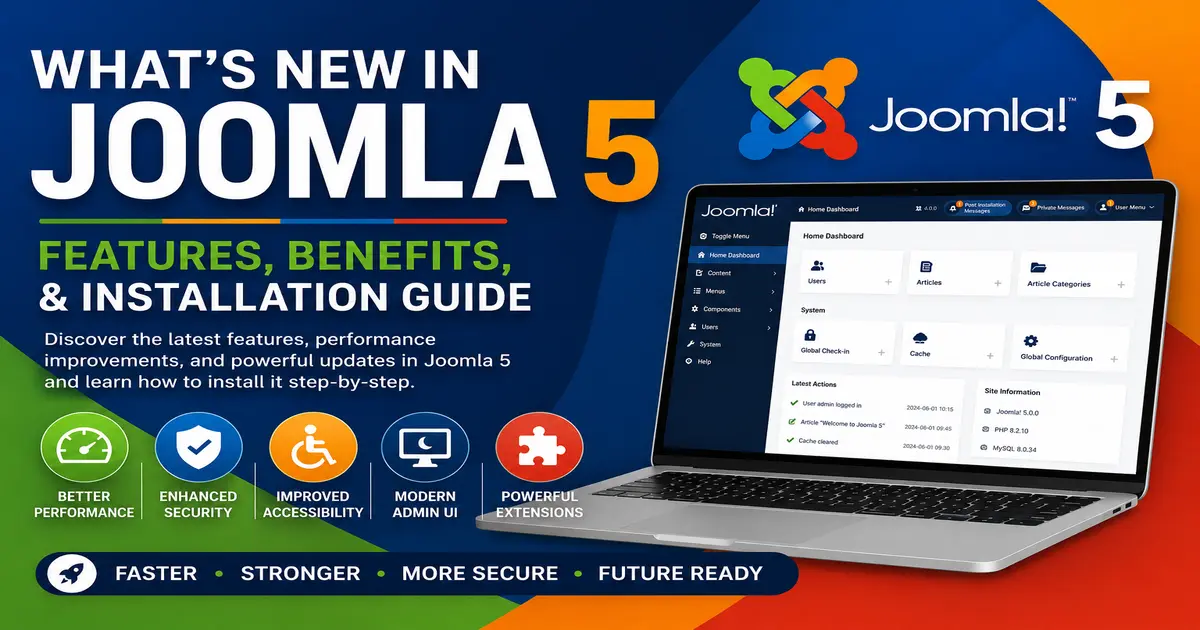
In this guide, you’ll discover the most important new features in Joomla 5, understand its benefits, learn the system requirements, and follow a step-by-step installation process.
What is Joomla 5?
Joomla 5 is the latest major release of the Joomla CMS. It continues Joomla’s tradition of providing a flexible, open-source platform for creating blogs, business websites, eCommerce stores, membership sites, and enterprise-level web applications.
Compared to previous versions, Joomla 5 focuses heavily on speed, accessibility, code modernization, security improvements, and enhanced user experience.
Key Features and Improvements in Joomla 5
1. Improved Performance
Performance optimization is one of the primary goals of Joomla 5. The platform has been streamlined to reduce loading times and improve responsiveness. Faster websites provide better user experiences and can positively impact search engine rankings.
2. Enhanced Security
Security remains a top priority. Joomla 5 introduces stronger security measures, updated coding standards, and ongoing support for modern PHP versions to help protect websites from emerging threats.
3. Better Accessibility
Accessibility improvements make Joomla websites easier to use for everyone, including users with disabilities. Joomla 5 follows modern accessibility standards and best practices.
4. Full PHP 8 Support
Joomla 5 is designed to work efficiently with PHP 8.x, offering better performance, improved memory management, and enhanced compatibility with modern hosting environments.
5. Dark Mode Administrator Interface
The administrator dashboard now includes Dark Mode support, providing a comfortable working environment for developers and website administrators.
6. Improved Media Manager
The Media Manager has been enhanced to simplify image, document, and media file management, making content organization more efficient.
7. Better Developer Experience
Developers benefit from cleaner code architecture, improved APIs, and better support for modern development practices.
Why Upgrade to Joomla 5?
If you’re currently using Joomla 4, upgrading to Joomla 5 provides several important benefits:
- Improved website speed and performance
- Enhanced security features
- Better accessibility compliance
- Support for modern PHP versions
- Future compatibility with extensions and templates
- Cleaner administration interface
If you’re planning a migration, you may also find our guide useful: Fix Joomla Migration Errors: A Step-by-Step Guide.
Joomla 5 System Requirements
Before installing Joomla 5, verify that your server meets the minimum requirements:
- PHP 8.1 or later
- MySQL 8.0+ or MariaDB 10.6+
- Apache or Nginx web server
- SSL certificate recommended
- Minimum 128 MB PHP memory limit
If you’re testing Joomla locally, see our tutorial: Install Joomla 5 on Windows 11 using XAMPP (Step-by-Step).
How to Download Joomla 5
Download the latest Joomla package from the official Joomla download page.
Always download Joomla from official sources to ensure security and authenticity.
Installing Joomla 5: Step-by-Step Guide
Step 1: Upload Joomla Files
Upload the Joomla installation package to your hosting account using FTP or your hosting File Manager. Extract all files into your website’s root directory.
Step 2: Create a Database
Create a MySQL or MariaDB database using your hosting control panel. Save the database name, username, and password for later use.
Step 3: Launch the Joomla Installer
Open your domain name in a web browser. Joomla will automatically launch the installation wizard.
Step 4: Configure Website Information
Enter your website name, administrator email address, username, and password.
Step 5: Configure Database Settings
Enter the database details you created earlier and continue to the next step.
Step 6: Complete Installation
Review your settings and complete the installation process. Once finished, remove the installation folder as instructed.
If you’re using a commercial template package, you may also want to read: How to Install Joomla QuickStart Package.
Exploring the Joomla 5 Administrator Dashboard
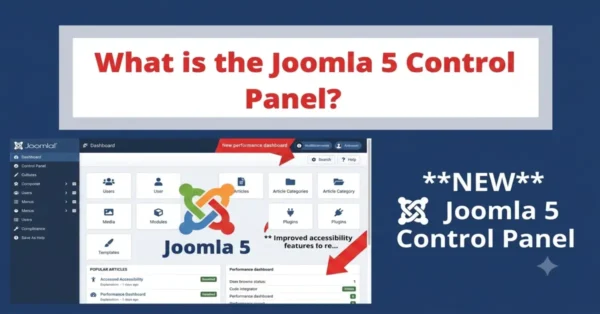
After installation, log in to the Joomla Administrator area. The dashboard provides access to articles, categories, menus, modules, extensions, users, templates, and system settings.
What Can You Do After Installing Joomla 5?
- Create articles and categories
- Build website menus
- Install templates
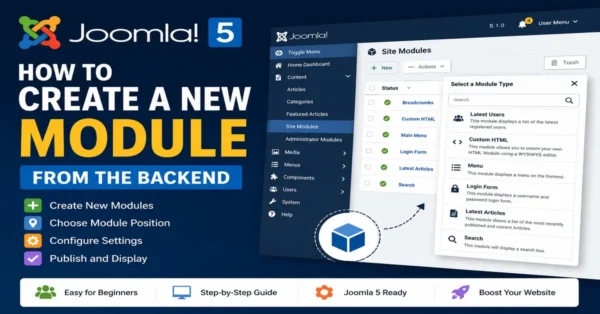
- Add modules and plugins
- Configure SEO settings
- Create contact forms
- Manage users and permissions
- Install third-party extensions
To continue building your website, explore these tutorials:
- How to Create a Contact Form in Joomla 4
- How to Install a Joomla Template on Server – Complete Guide
- How to Install Joomla Template on Localhost Using XAMPP
- Top 10 Free Joomla Extensions Every Developer Needs to Know
Improving Joomla 5 SEO
Joomla includes built-in SEO features such as Search Engine Friendly (SEF) URLs, metadata management, and menu-based URL structures.
To maximize your rankings, follow our detailed guides:
Choosing Templates for Joomla 5
A professional template can significantly improve your website’s appearance and user experience.
Browse these recommended template resources:
Joomla 5 vs Joomla 6
While Joomla 6 introduces additional enhancements, Joomla 5 remains a stable and powerful platform for website development. If you’re interested in the newest version, read our:
Complete Joomla 6 Beginner Guide (Step-by-Step).
Official Joomla Resources
Conclusion
Joomla 5 represents a significant advancement in performance, security, accessibility, and usability. Whether you’re launching a new website or upgrading from Joomla 4, Joomla 5 offers the tools and flexibility needed to build professional websites efficiently.
By following the installation steps in this guide and exploring the recommended resources, you’ll be well-prepared to create, customize, and manage a successful Joomla website.
Frequently Asked Questions
What is Joomla 5?
Joomla 5 is the latest major version of the Joomla CMS, offering improved performance, security, accessibility, and usability.
Is Joomla 5 free to use?
Yes. Joomla 5 is open-source software released under the GNU General Public License (GPL).
Can I upgrade from Joomla 4 to Joomla 5?
Yes. Joomla provides an upgrade path for compatible Joomla 4 websites.
What PHP version does Joomla 5 require?
Joomla 5 supports PHP 8.1 and later versions.
Is Joomla 5 SEO-friendly?
Yes. Joomla includes built-in SEO features and supports additional optimization through extensions and proper configuration.
Where can I download Joomla 5?
You can download Joomla 5 from the official Joomla downloads website.
Stay updated with our latest news, special offers, and exclusive updates directly in your inbox.