Last Updated on August 20, 2026
If you’re a Joomla developer, having the right tools can significantly improve your workflow and the quality of your projects. The right extensions not only save time but also help you build more powerful, secure, and user-friendly websites—without spending extra money.
In this guide, we’ve compiled the top 10 free Joomla extensions every developer should know in 2026. Whether you’re creating a simple blog or a full-featured eCommerce website, these tools will help you take your Joomla projects to the next level.
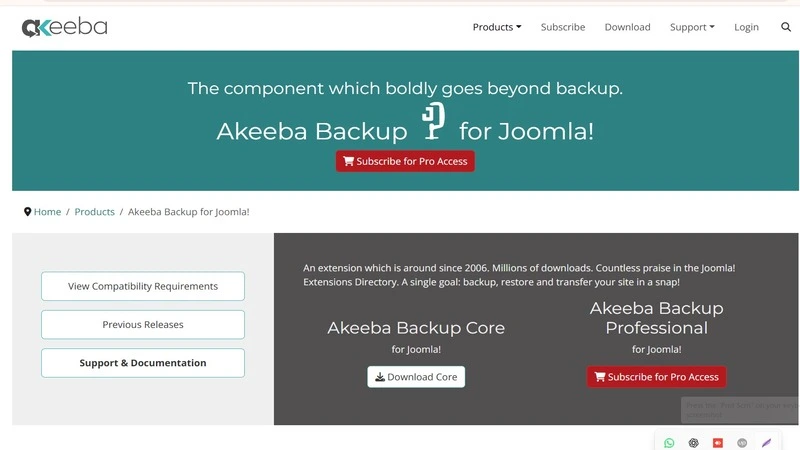
1. Akeeba Backup – Safeguard Your Work
Backing up your website is essential, and Akeeba Backup makes this process simple and reliable. With just a few clicks, you can create complete backups of your Joomla site and restore them whenever needed.
Key Features:
- One-click backup and restoration
- Cloud storage support (Dropbox, Google Drive, etc.)
- Easy website migration
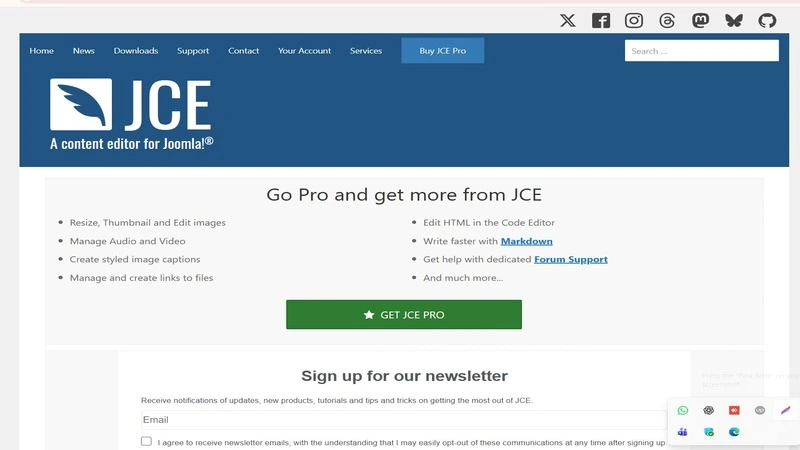
2. JCE (Joomla Content Editor) – Boost Your Content Creation
JCE is one of the most popular content editors for Joomla. It provides a powerful and intuitive interface that makes content creation faster and easier for developers and editors alike.
Key Features:
- Advanced formatting tools
- Drag-and-drop image uploads
- Easy media and link integration
Read More: How to Publish Smartslider 3 to Joomla 4
3. AcyMailing Starter – Simplify Email Marketing
Email marketing plays a key role in user engagement, and AcyMailing Starter allows you to manage newsletters directly within your Joomla website.
Key Features:
- Create and manage email campaigns easily
- Ready-to-use professional email templates
- Integration with tools like Google Analytics
4. Sourcerer – Add Custom Code Anywhere
Sourcerer is perfect for developers who want to insert custom HTML, CSS, JavaScript, or PHP code directly into Joomla content.
Key Features:
- Bypasses Joomla’s default filtering
- Supports multiple programming languages
- Ideal for advanced customization
5. RSForm! Free – Build Forms with Ease
RSForm! Free is a flexible and user-friendly form builder that allows you to create contact forms, surveys, and feedback forms quickly.
Key Features:
- Drag-and-drop form builder
- Built-in CAPTCHA for spam protection
- Customizable fields and layouts
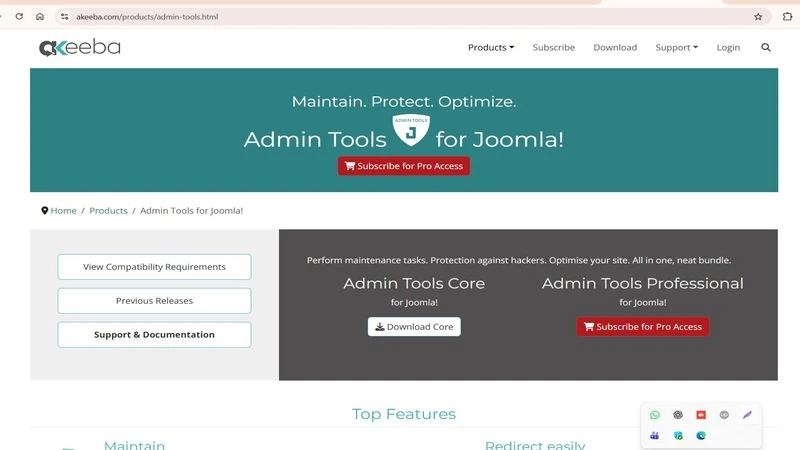
6. Admin Tools – Improve Security and Maintenance
Security is critical for any Joomla website. Admin Tools helps you protect your site while also simplifying routine maintenance tasks.
Key Features:
- Automated database optimization
- Basic firewall protection
- File permission management
Read More: Fix Joomla Migration Errors: A Step-by-Step Guide
7. VirtueMart – Free eCommerce Solution
VirtueMart is one of the most powerful free eCommerce extensions for Joomla. It is ideal for building feature-rich online stores.

Key Features:
- Advanced product management
- Multiple payment gateway support
- Flexible shipping configuration
8. AllVideos – Embed Media Seamlessly
AllVideos makes it easy to embed videos and audio files into Joomla articles from platforms like YouTube and Vimeo.
Key Features:
- Supports multiple media platforms
- Simple embedding using tags
- Lightweight and fast
Read More: How to Change Joomla 5 Templates
9. K2 – Enhance Content Management
K2 extends Joomla’s default content system, allowing you to create more dynamic and flexible content layouts.
Key Features:
- Custom content templates
- Advanced category and tag management
- Built-in comments and media support
Read More: How to Convert K2 to Joomla Content in Joomla 5
10. OSMap – Generate XML Sitemaps Automatically
OSMap helps improve your Joomla website’s SEO by automatically generating XML sitemaps for search engines.
Key Features:
- Supports Google, Bing, and more
- Customizable sitemap structure
- Works with extensions like VirtueMart
Read More: How to Send Mail from Localhost in Joomla 5
Why Use Free Joomla Extensions?
Free Joomla extensions provide excellent value, especially for small to medium-sized projects. They allow developers to build powerful websites without increasing project costs. Many of these tools offer features comparable to premium solutions.
Frequently Asked Questions (FAQs)
Which are the best free Joomla extensions in 2026?
Some of the best free Joomla extensions include Akeeba Backup, JCE Editor, AcyMailing, Admin Tools, and OSMap. These tools help improve security, SEO, performance, and overall website functionality.
Are free Joomla extensions safe to use?
Yes, free Joomla extensions are safe if you download them from trusted sources like the official Joomla Extensions Directory. Always keep extensions updated to avoid security issues.
Which Joomla extension is best for beginners?
JCE Editor and HikaShop are great choices for beginners due to their user-friendly interface and easy setup process.
Do Joomla extensions affect website performance?
Yes, installing too many or poorly optimized extensions can slow down your website. Always use only necessary extensions and choose lightweight, well-maintained options.
Final Thoughts
The Joomla ecosystem is full of powerful free extensions that can enhance your development workflow. From improving security to simplifying content management, these tools help you build better websites faster.
By using these free Joomla extensions, you can improve performance, save time, and deliver high-quality websites to your clients. Which extension do you plan to use first? Let us know in the comments!
Stay updated with our latest news, special offers, and exclusive updates directly in your inbox.