Last Updated on August 20, 2026
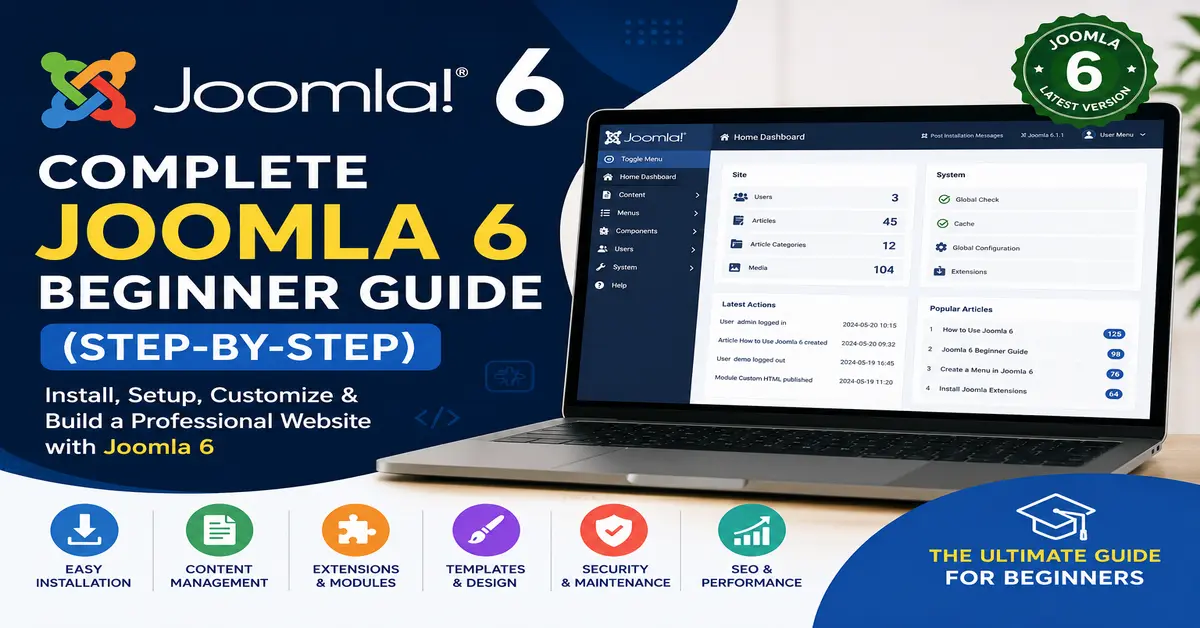
Welcome to this complete Joomla 6 beginner guide. Joomla is a powerful open-source CMS that helps you build blogs, business websites, portals, and eCommerce websites. This guide walks you through installation, content creation, menus, templates, SEO, security, and maintenance.
What is Joomla 6?
Joomla 6 is the latest version of Joomla with improved performance, security, accessibility, and developer tools.
If you are completely new to Joomla, understanding the platform’s architecture and core concepts will help you build websites more efficiently. You can learn more in our detailed guide What is Joomla? and What is Joomla Architecture?.
Step 1: Check Joomla 6 System Requirements
- PHP 8.2+
- MySQL 8+ or MariaDB 10.6+
- Apache or Nginx
- SSL Certificate
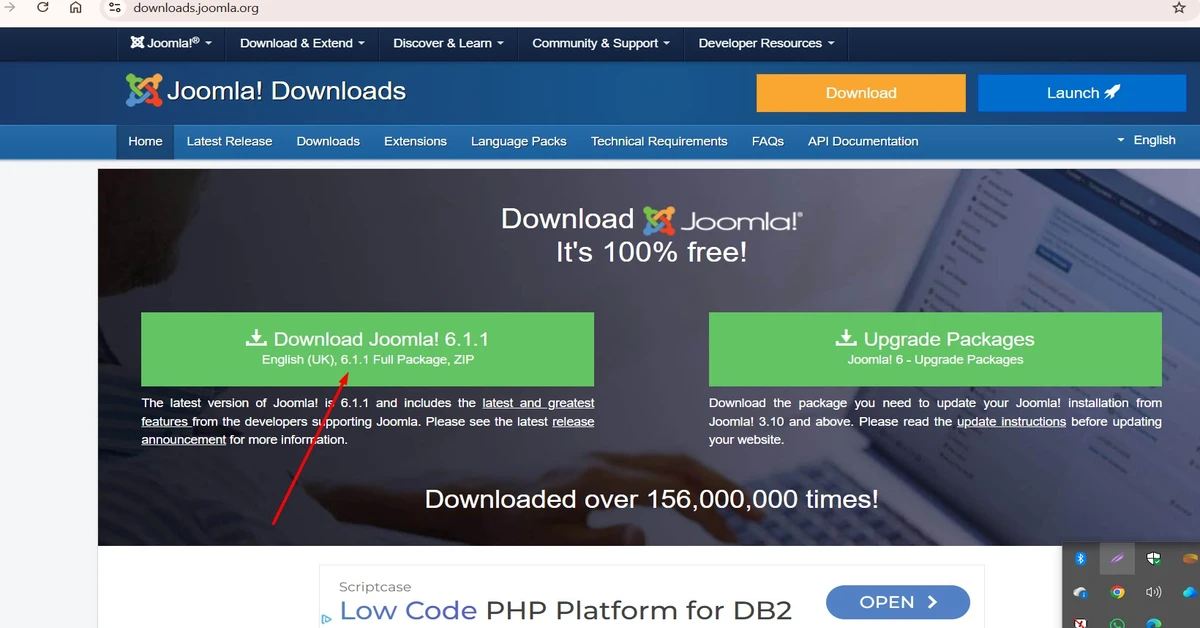
Step 2: Download Joomla 6
Download Joomla from the official website. Official Joomla Website
Step 3: Install Joomla 6
Create a Database
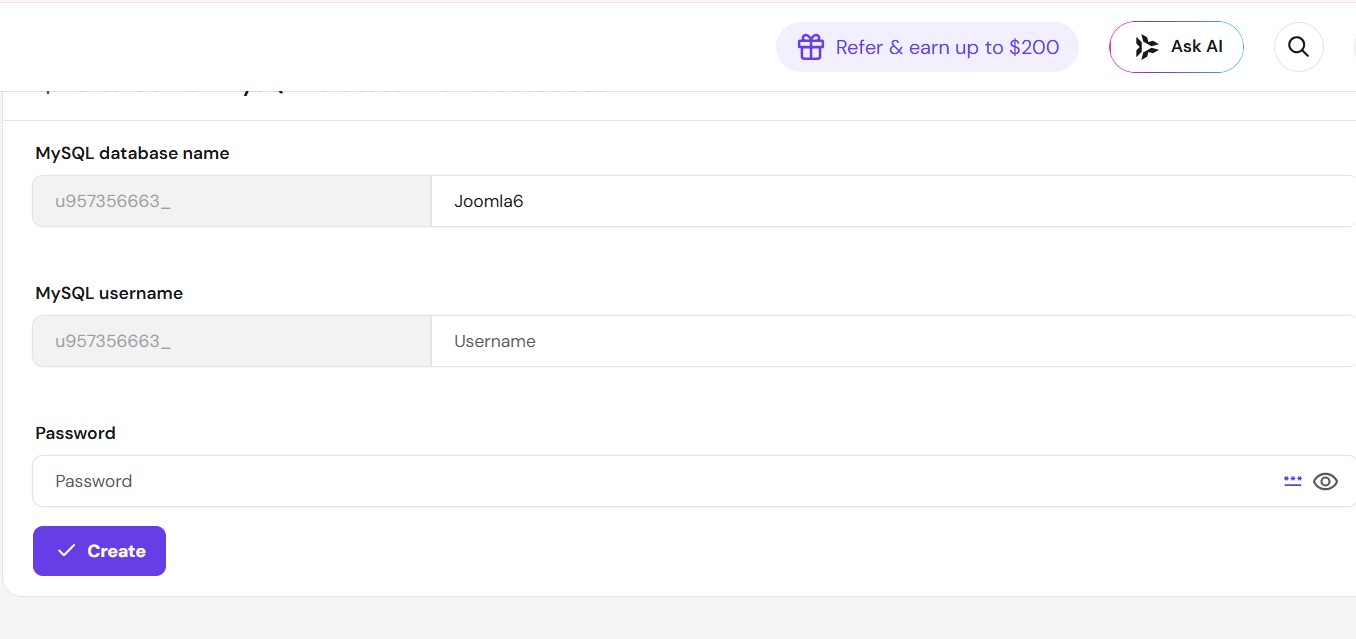
Create a MySQL database and user from your hosting control panel. In the below screenshot I just created database name “Joomla6” for testing you should use your own website name related database name, so it will be easy to remember. and username and password most secured and complicated, for your website safety.
Upload Joomla Files
Upload the Joomla package and extract it in your website root directory.
Run the Installer
Open your domain and complete the Joomla installation wizard.
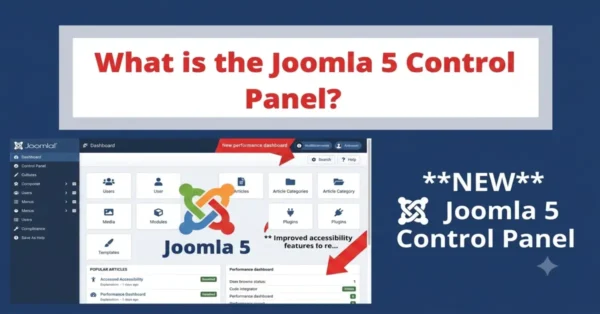
Step 4: Understanding the Joomla Dashboard
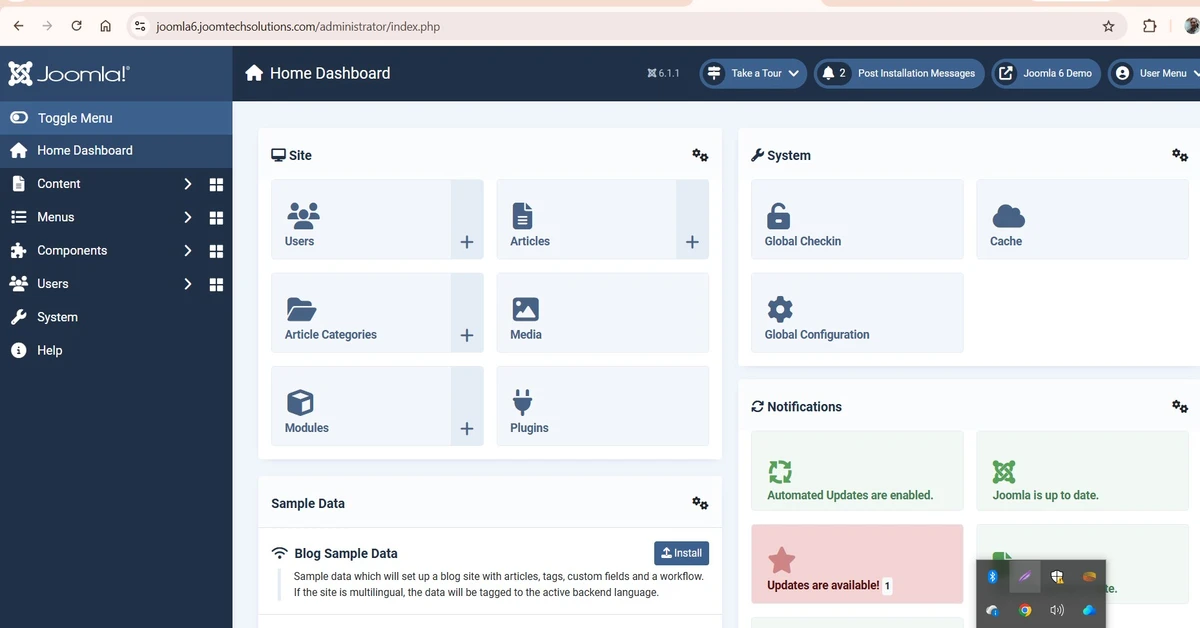
The dashboard gives access to articles, menus, templates, extensions, users, and configuration settings.
Once you become familiar with the Joomla dashboard, the next step is learning how Joomla components, modules, and plugins work together. Read our guide on What are Components in Joomla?.
Step 5: Create Categories and Articles
Create Categories
Categories help organize your content structure.
Create Articles
Articles are the primary content pieces in Joomla.
Articles are the foundation of content management in Joomla. To organize your content effectively, you should also understand Joomla tags. See our tutorial Mastering Tags in Joomla.
Step 6: Create Menus and Navigation
Menus help visitors navigate your website efficiently.
Menus are one of the most important parts of a Joomla website. For a detailed walkthrough, read our guide How to Create Menus in Joomla 5.
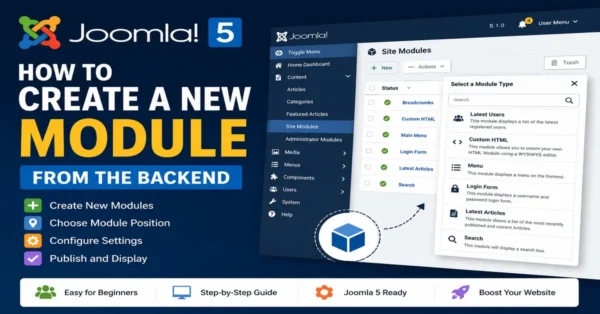
Step 7: Install Joomla Extensions
Extensions add additional functionality to Joomla websites.
Extensions allow you to add new features to Joomla. Explore our list of recommended extensions in Top 10 Free Joomla Extensions Every Developer Needs to Know.
Step 8: Customize Your Website Design
Templates control the appearance of your website.
Choosing the right template is important for both design and performance. Check out our recommendations in 5 Best Free Joomla Templates.
Step 9: Configure Joomla SEO Settings
Enable SEF URLs, metadata, schema markup, and proper headings.
SEO optimization goes beyond enabling SEF URLs. Learn advanced optimization techniques in our guide Joomla SEO Checklist 2026.
To verify indexing, use Google Search Console.
Step 10: Secure Your Joomla Website
Use strong passwords, SSL certificates, regular updates, and backups.
Website security requires continuous monitoring and best practices. Read our detailed tutorial on Best Security Practices for Joomla.
Review the Joomla Security Checklist.
Step 11: Backup and Maintenance
Regular backups protect your website from unexpected issues.
Learn how to create backups with our guide How to Restore Joomla Backup on Localhost.
Analyze performance using Google PageSpeed Insights.
Next Steps for Developers
As your Joomla skills grow, you may want to build custom extensions and components. Our comprehensive Joomla Component Development Tutorial is a great next step.
Conclusion
Joomla 6 is a powerful CMS suitable for beginners and professionals. By following this guide, you can build, manage, optimize, and secure your Joomla website successfully.
Frequently Asked Questions
Is Joomla 6 suitable for beginners?
Yes, Joomla 6 is beginner-friendly while remaining powerful for developers.
Is Joomla free?
Yes, Joomla is open-source and free to use.
Can Joomla be used for eCommerce?
Yes, Joomla supports multiple eCommerce extensions.
Is Joomla SEO friendly?
Yes, Joomla includes built-in SEO features and supports advanced optimization.
Stay updated with our latest news, special offers, and exclusive updates directly in your inbox.