Last Updated on June 29, 2026
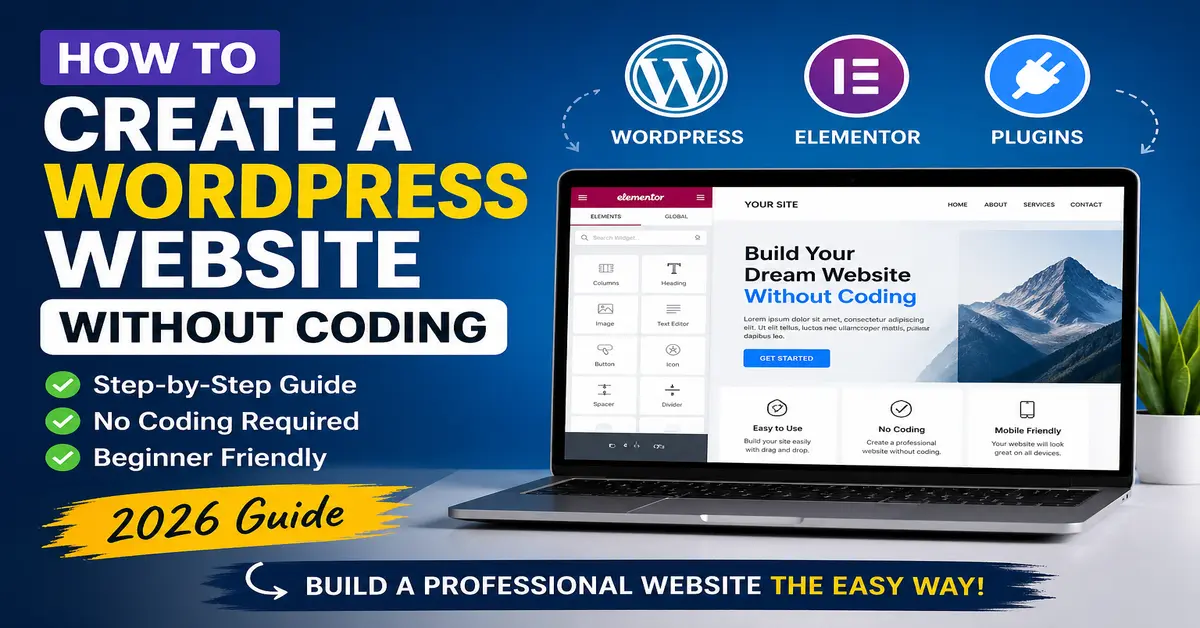
Building a professional website in 2026 no longer requires coding skills, web development experience, or a large budget. Thanks to WordPress, anyone can create a beautiful blog, business website, portfolio, or online store using beginner-friendly tools, drag-and-drop builders, and customizable themes.
If you’ve been wondering how to create a WordPress website without coding, this step-by-step guide will help you launch your site from scratch—even if you’ve never built a website before.
Whether you’re a freelancer, entrepreneur, blogger, or small business owner, WordPress gives you complete control over your online presence without touching a single line of code.
Why WordPress Is the Best No-Code Website Platform in 2026
WordPress remains the world’s most popular website-building platform because it combines flexibility, affordability, and ease of use. Unlike many closed website builders, WordPress lets you fully own your website and customize it however you like.
- Over 40% of websites use WordPress
- No coding or technical skills required
- Thousands of free and premium themes
- Drag-and-drop page builders
- SEO-friendly architecture
- Scalable for blogs, business sites, and eCommerce
For most beginners, WordPress.org is the better option because it offers full customization and ownership.
You must read this also: 👉 How to Create a WordPress Website
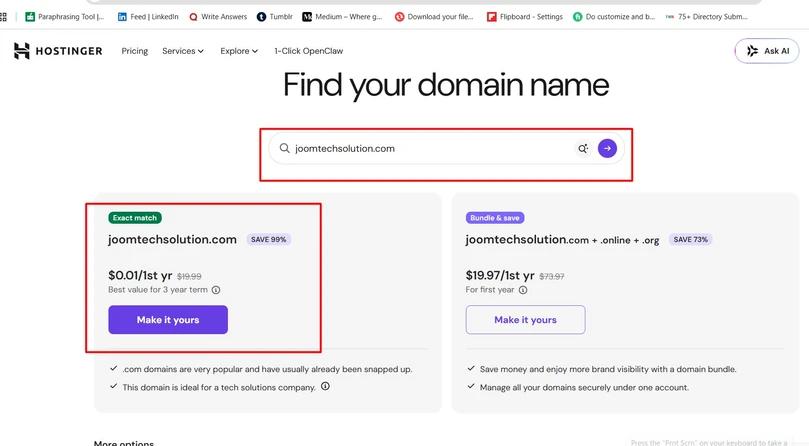
Step 1: Choose a Domain Name for Your Website
Your domain name is your website’s address on the internet, such as yourbrand.com. Choosing the right domain is important because it represents your brand and helps users remember you.
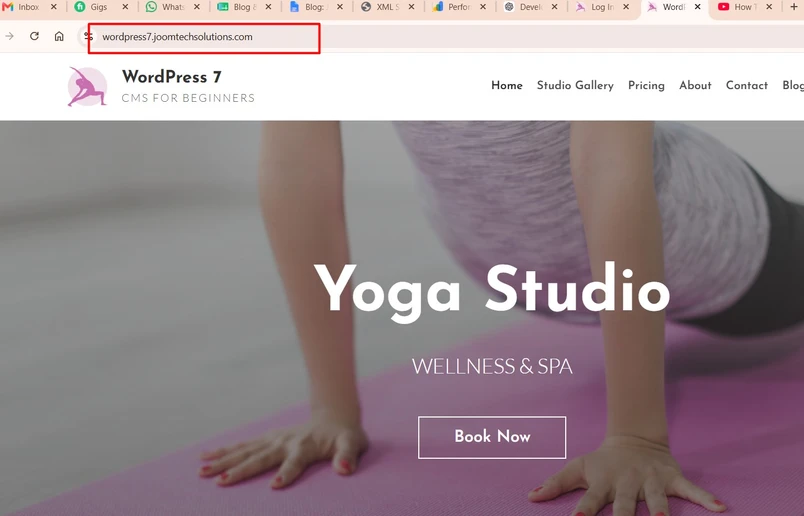
Tips for Choosing the Perfect Domain:
- Keep it short and easy to spell
- Use your brand or niche keyword
- Avoid numbers or hyphens
- Choose .com whenever possible
For example, if you’re starting a fitness blog, a domain like FitLifeJourney.com is easier to remember than a random or overly complex name.
Step 2: Buy Reliable WordPress Hosting
Hosting is where your website files are stored. Good hosting improves speed, security, and SEO.
Some beginner-friendly WordPress hosting providers include:
Look for hosting that includes:
- One-click WordPress installation
- Free SSL certificate
- Fast loading speeds
- 24/7 customer support
- Automatic backups
Cheap hosting may save money initially, but slower websites can hurt your SEO rankings and user experience.
Step 3: Install WordPress in Minutes
👉 Read: How to Install WordPress Step-by-Step
Most hosting companies now offer one-click WordPress installation, which means you don’t need any technical setup.
Basic Installation Process:
- Log in to your hosting account
- Open your hosting dashboard or cPanel
- Select “Install WordPress”
- Choose your domain
- Create your admin login details
- Click install
Within a few minutes, your WordPress website will be ready.
Step 4: Pick a Professional WordPress Theme
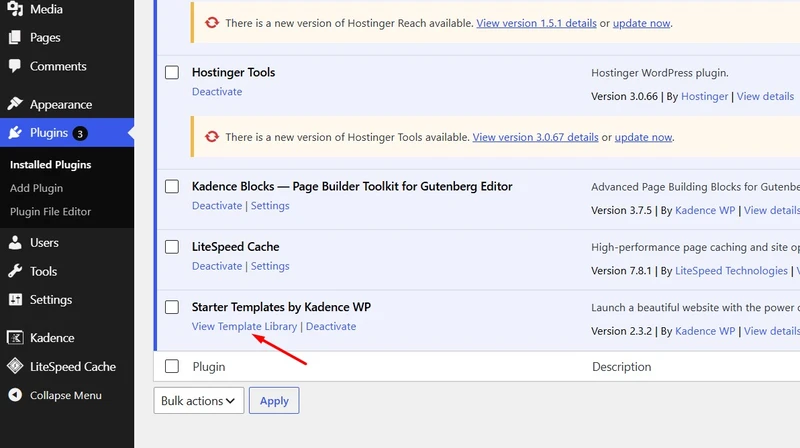
Your theme controls the design and layout of your website. In 2026, countless beginner-friendly themes look professional without customization headaches. In this tutorial, we are using the Kadance theme –
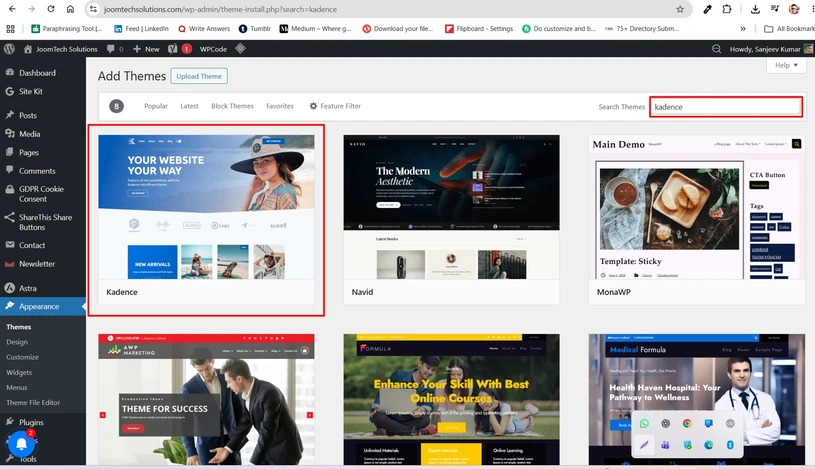
Popular Free Themes:
- Astra
- GeneratePress
- Kadence
- Neve
Premium Themes:
- Divi
- Avada
- OceanWP
Choose a theme that is:
- Mobile responsive
- Fast loading
- SEO optimized
- Compatible with page builders
Read also: Best WordPress Themes for Small Business
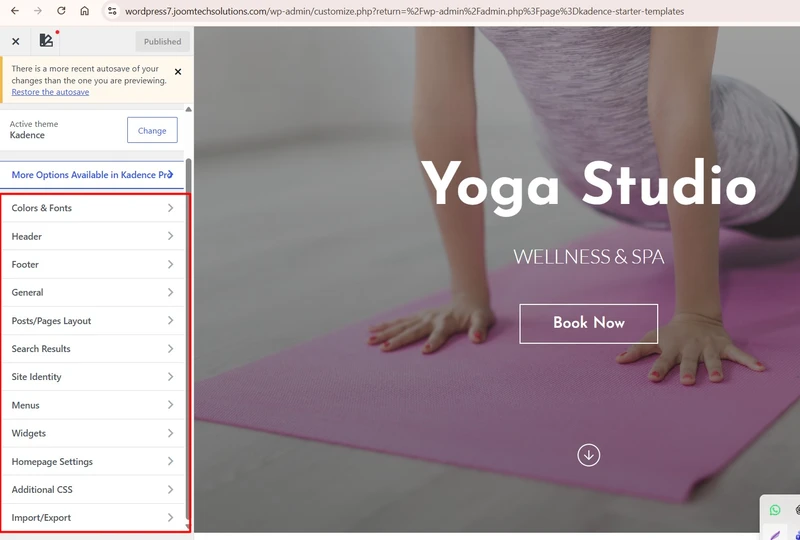
Step 5: Customize Your Website with Drag-and-Drop Builders
This is where WordPress becomes truly beginner-friendly. You can design pages visually using page builders without coding.
👉 Read: Best WordPress Page Builders in 2026
Best No-Code Page Builders:
- Elementor
- Beaver Builder
- Brizy
- Gutenberg Block Editor
With these tools, you can easily create:
- Homepage banners
- Service pages
- Contact forms
- Image galleries
- Testimonials
- Pricing tables
Simply drag elements into place and customize them visually.
Step 6: Install Essential Plugins
Plugins are like apps for your website. They add features without needing code.
👉 Read: Best WordPress Plugins for Beginners
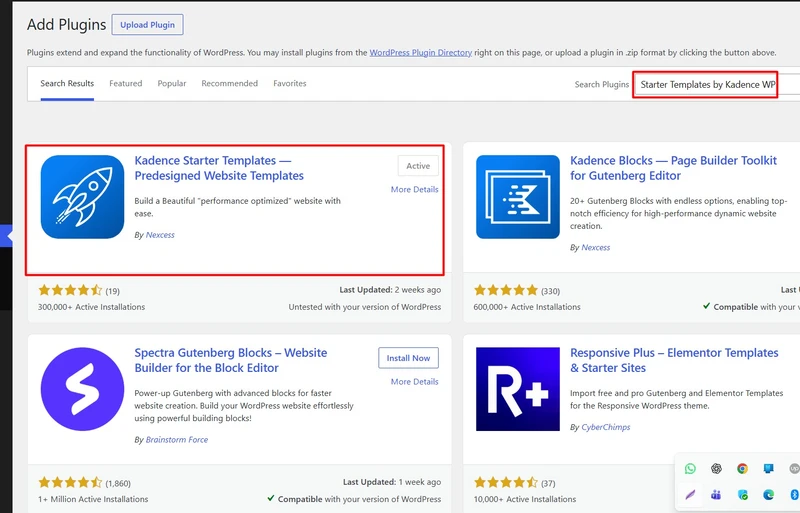
Recommended Plugins for Every Beginner:
SEO:
- Rank Math
- Yoast SEO
Security:
- Wordfence
- Sucuri
Performance:
- WP Rocket
- LiteSpeed Cache
Forms:
- WPForms
Backups:
- UpdraftPlus
Only install necessary plugins, since too many can slow down your website.
Step 7: Create Important Website Pages
A complete website needs more than just a homepage.
Essential Pages Include:
- Home
- About
- Services
- Blog
- Contact
- Privacy Policy
- Terms & Conditions
These pages improve trust, SEO, and user experience.
Step 8: Optimize Your WordPress Website for SEO
Search engine optimization helps your website rank higher on Google and attract organic traffic.
Basic SEO Tips:
- Use your target keyword naturally
- Write compelling meta titles and descriptions
- Optimize images with alt text
- Use internal linking
- Add schema markup
- Improve website speed
- Ensure mobile responsiveness
Step 9: Secure Your Website
Security is essential to protect your content, customer data, and search rankings.
👉 Read: WordPress Security Guide
Security Checklist:
- Enable SSL
- Use strong passwords
- Install a firewall plugin
- Update WordPress regularly
- Enable two-factor authentication
- Schedule automatic backups
Common Mistakes Beginners Should Avoid
- Choosing poor-quality hosting
- Ignoring SEO basics
- Using too many plugins
- Skipping mobile optimization
- Not backing up the website
- Using nulled themes/plugins
Avoiding these mistakes can save time, money, and SEO issues later.
How Much Does It Cost to Build a WordPress Website Without Coding?
One of WordPress’s biggest advantages is affordability.
- Domain: $10–15/year
- Hosting: $3–10/month
- Theme: Free to $60
- Plugins: Free to optional premium upgrades
A beginner-friendly website can cost under $100/year.
Final Thoughts
Creating a WordPress website without coding in 2026 is easier than ever. With the right domain, hosting, theme, and plugins, you can launch a professional website in just a few hours.
WordPress empowers beginners to create blogs, business websites, portfolios, and even online stores—without hiring a developer.
Start simple, focus on helpful content, optimize for SEO, and grow over time.
Frequently Asked Questions
Can I build a WordPress website without coding?
Yes, WordPress offers themes, plugins, and drag-and-drop builders that allow complete website creation without coding.
Is WordPress free?
WordPress software is free, but you need hosting and a domain name.
Which page builder is easiest for beginners?
Elementor is one of the easiest and most beginner-friendly page builders.
How long does it take to build a WordPress website?
A simple website can be built in a few hours, while larger websites may take several days.
Is WordPress SEO-friendly?
Yes, WordPress is highly SEO-friendly when optimized properly with plugins and quality hosting.
Stay updated with our latest news, special offers, and exclusive updates directly in your inbox.