Last Updated on February 4, 2026
Starting a blog doesn’t have to be expensive. With the right tools and planning, you can start a WordPress blog on a budget and still build a professional, fast, and SEO-friendly website.
In this guide, you’ll learn how to start a WordPress blog cheaply, even if you have zero technical knowledge.
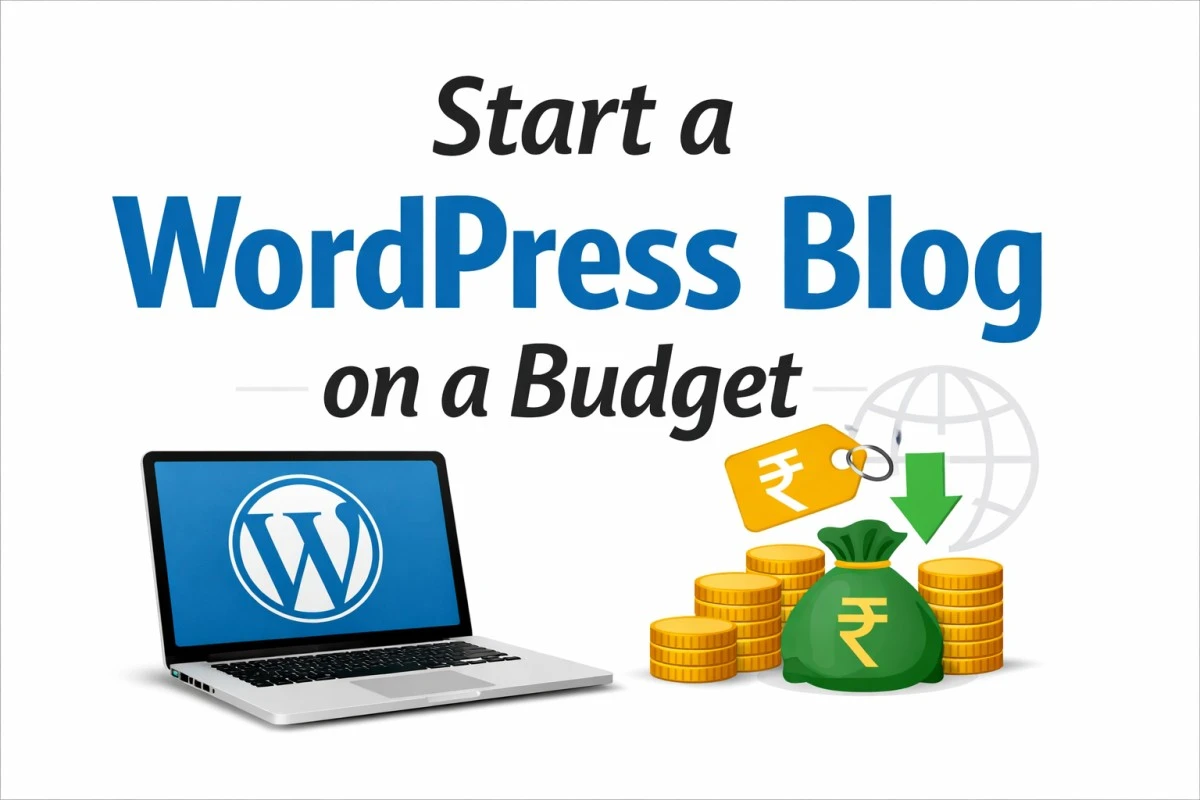
How to Start a WordPress Blog on a Budget?
To start a WordPress blog on a budget, choose affordable hosting, use free themes and plugins, install WordPress, write SEO-friendly content, and promote your blog using free traffic sources like Google and social media.
Why Choose WordPress for Budget Blogging?
WordPress is the most popular blogging platform in the world, powering over 40% of all websites.
Benefits of WordPress:
Free and open-source
Thousands of free themes & plugins
Beginner-friendly
SEO-optimized
Scalable as your blog grows
👉 That’s why WordPress is the best choice for budget bloggers.
Step 1: Choose a Low-Cost Domain Name
A domain name is your blog’s web address (example: joomtechsolutions.com).
Tips to save money:
Choose a
.comif possibleKeep it short and easy to remember
Avoid numbers and hyphens
💡 Cost: ₹700–₹1,000 per year (often free with hosting)
Step 2: Buy Affordable WordPress Hosting
Hosting is where your blog’s files are stored.
Best budget hosting features to look for:
One-click WordPress install
Free SSL certificate
Good loading speed
24/7 support
💡 Budget hosting cost: ₹150–₹300 per month
Many hosting providers give free domain + SSL in the first year, which saves money.
If you’re confused, this guide explains how to choose the best web hosting for a budget WordPress blog.
Step 3: Install WordPress (Free)
Most hosting providers offer one-click WordPress installation.
Why WordPress is budget-friendly:
No software cost
Easy setup
No developer needed
⏱ Installation takes less than 5 minutes.
Step 4: Use a Free WordPress Theme
You don’t need a paid theme to start.
Best free theme qualities:
Mobile-friendly (responsive)
Fast loading
SEO optimized
Clean design
Popular free themes:
Astra
GeneratePress
Neve
Twenty Twenty-Four
💡 Cost: ₹0
Step 5: Install Only Essential Free Plugins
Avoid installing too many plugins—it slows your site.
Must-have free plugins:
SEO: Rank Math or Yoast SEO
Security: Wordfence or iThemes Security. To protect your site from hacking, follow these WordPress security tips for beginners after setting up your blog.
Backup: UpdraftPlus
Caching: WP Fastest Cache
Spam Protection: Akismet
💡 All of these have free versions.
These are some of the best WordPress plugins for beginners that keep your site fast and secure.
Step 6: Create Important Pages (Free)
Before writing blog posts, create these pages:
About Us
Contact Us
Privacy Policy
Disclaimer
👉 These pages help with trust, SEO, and Google approval.
Step 7: Write SEO-Optimized Blog Posts
Content is the heart of your blog.
Free caching plugins can speed up a WordPress website without extra cost.
Tips for SEO content:
Use one main keyword
Add keywords in:
Title
Headings (H2, H3)
URL
Meta description
Write helpful, original content
Use short paragraphs and bullet points
💡 Free tools for keyword research:
Google Search (autocomplete)
Google Keyword Planner
Ubersuggest (free version)
Applying basic SEO tips for WordPress blogs helps your content rank faster on Google.
Step 8: Free Promotion Methods (No Ads Needed)
You don’t need paid ads initially.
Free traffic sources:
Google SEO
Social media (Facebook, Instagram, X)
Pinterest
WhatsApp & Telegram groups
Quora & Reddit
Total Cost to Start a WordPress Blog on a Budget
| Item | Approx Cost |
|---|---|
| Domain | Free – ₹1,000/year |
| Hosting | ₹2,000–₹3,000/year |
| WordPress | Free |
| Theme | Free |
| Plugins | Free |
✅ Total: ₹2,000–₹4,000 per year
Common Mistakes to Avoid
Buying expensive themes early
Installing too many plugins
Ignoring SEO
Using weak passwords
Not taking backups
Final Thoughts
Starting a WordPress blog on a budget is 100% possible. With free tools, affordable hosting, and consistent effort, you can build a successful blog without spending much money.
👉 Focus on quality content, SEO, and consistency, and upgrade only when your blog starts earning.