What are the best WordPress security tips for small businesses?
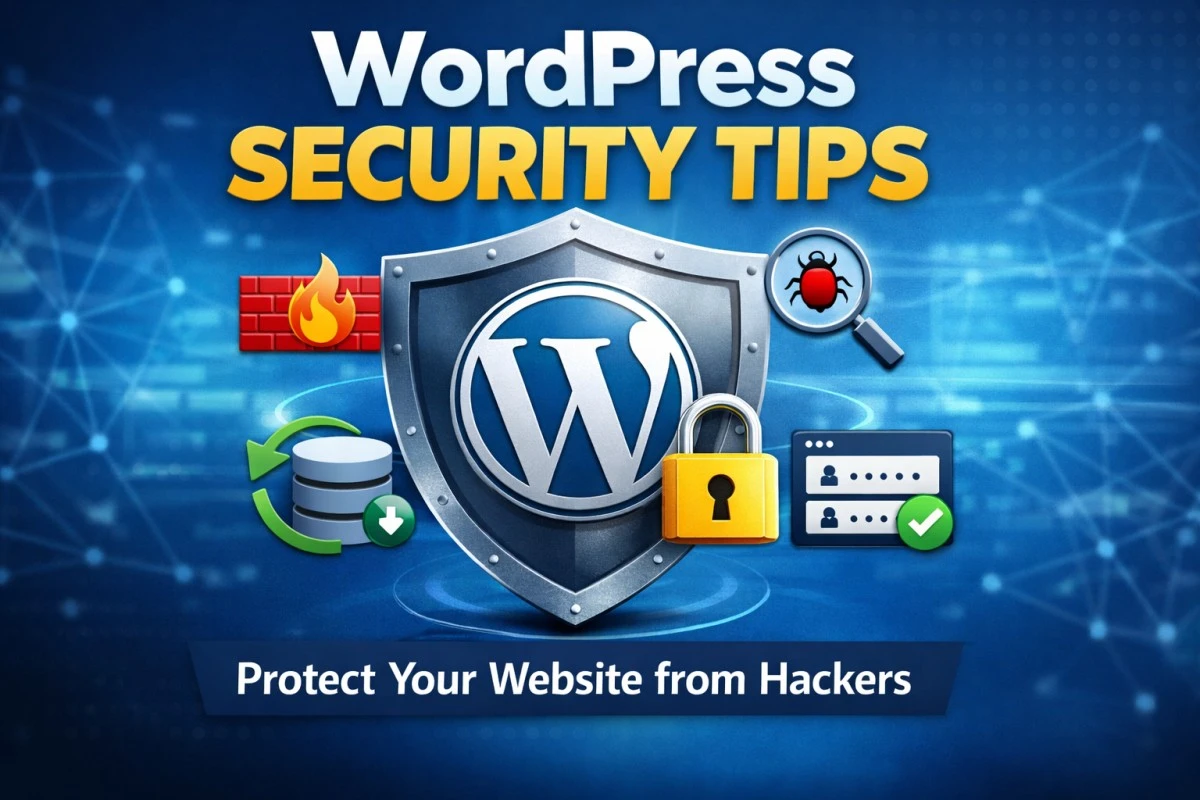
The best WordPress security tips for small businesses include keeping WordPress updated, using strong passwords, enabling two-factor authentication, installing a security plugin, taking regular backups, and securing hosting with SSL.
These steps help protect your website from hacking, malware, and data theft without requiring advanced technical skills.
Why WordPress Security Is Important for Small Businesses
WordPress websites owned by small businesses are frequent targets because they often lack basic security protections. A hacked site can lead to downtime, data loss, Google blacklisting, and loss of customer trust.
Essential WordPress Security Tips for Small Businesses
1. Keep WordPress Core, Themes, and Plugins Updated
Keeping WordPress updated is the most important security step.
- Update WordPress core regularly
- Update themes and plugins
- Delete unused plugins and themes
2. Use Strong Login Credentials
Weak credentials make brute-force attacks easy.
Best practices for WordPress login security:
- Avoid the username
admin - Use passwords with 12+ characters
- Combine letters, numbers, and symbols
3. Enable Two-Factor Authentication (2FA)
Two-factor authentication adds an extra verification step during login, preventing unauthorized access even if your password is compromised.
Popular 2FA methods:
- Authenticator apps
- Email OTP
- SMS verification
4. Install a Trusted WordPress Security Plugin
A WordPress security plugin helps protect your site 24/7.
Common features include:
- Firewall protection
- Malware scanning
- Login protection
- File monitoring
Recommended plugins:
- Wordfence
- iThemes Security
- All-in-One WP Security
5. Limit Login Attempts
Limiting login attempts protects your site from automated attacks.
Why this works:
- Blocks bots after failed attempts
- Reduces server load
- Prevents password guessing
6. Secure Your WordPress Hosting
Secure hosting is the foundation of WordPress security.
Checklist:
- Free SSL certificate (HTTPS)
- Latest PHP version
- Server firewall enabled
- Malware protection
7. Take Regular Website Backups
Backups allow quick recovery if your site is hacked or crashes.
Best backup practices:
- Automatic daily or weekly backups
- Off-site storage
- Test backups occasionally
8. Change the Default WordPress Login URL
Changing the default login URL reduces automated bot attacks.
Default URLs:
/wp-admin/wp-login.php
This step improves security but should be combined with other measures.
9. Set Correct File Permissions
Incorrect permissions can allow hackers to modify files.
Recommended WordPress file permissions:
- Files:
644 - Folders:
755
Avoid 777 permissions.
10. Disable File Editing in WordPress Admin
Disabling file editing prevents attackers from injecting malicious code.
Add this line to wp-config.php:
Common WordPress Security Mistakes Small Businesses Make
- Using nulled themes or plugins
- Ignoring updates
- Weak passwords
- No backups
- Poor hosting security
Frequently Asked Questions (FAQ) – Featured Snippet Ready
Is WordPress secure for small businesses?
Yes, WordPress is secure for small businesses when basic security practices are followed, such as regular updates, strong passwords, backups, and security plugins.
Do small business WordPress sites really get hacked?
Yes, small business WordPress sites are common targets because attackers use automated bots that scan all websites, not just large ones.
What is the best security plugin for WordPress?
There is no single “best” plugin, but popular and reliable options include Wordfence, iThemes Security, and All-in-One WP Security.
Final Thoughts
By following these WordPress security tips for small businesses, you can significantly reduce hacking risks and protect your website, customers, and brand. Start with updates, strong passwords, backups, and a security plugin for maximum protection.