Last Updated on September 28, 2026
A web application is a software application that runs through a web browser and allows users to perform specific tasks online. Unlike traditional desktop software, a web application does not usually require users to install the complete application on their computer. Users can access it through a browser such as Chrome, Edge, Firefox, or Safari using an internet connection.
Web applications are widely used by businesses, organizations, schools, online stores, and individuals. They can be used for everything from sending email and managing documents to shopping online, processing payments, managing customers, and collaborating with teams.
A modern web application can communicate with servers, databases, APIs, and cloud services to process information and provide dynamic content to users.
Let’s See: How to create a website using WordPress?
What Is a Web Application?
In simple terms, a web application is an interactive application that users access through a web browser. It accepts user input, processes information, and returns a result without requiring the user to install traditional desktop software.
For example, when you log in to an online banking service, send an email through Gmail, edit a document in Google Docs, or purchase a product from an online store, you are using a web application.
Web applications can range from simple contact forms to complex business systems containing user accounts, databases, payment processing, dashboards, file management, and third-party API integrations.
How Does a Web Application Work?
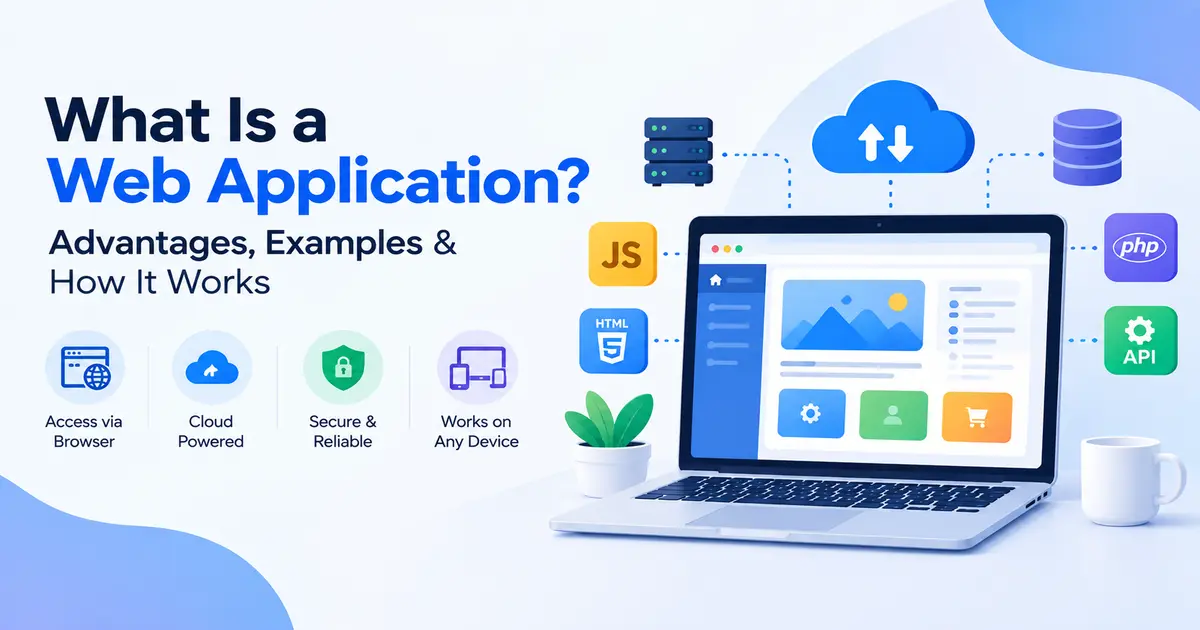
A web application generally works through communication between the user’s browser, a web server, application logic, and sometimes a database or external API.
The front end of a web application runs in the user’s browser. It commonly uses HTML, CSS, and JavaScript to display the interface and respond to user actions.
The back end runs on a server and handles application logic, authentication, data processing, database operations, and other tasks. Common server-side technologies include PHP, Java, Python, JavaScript with Node.js, C#, and other modern frameworks and platforms.
A database may be used to store information such as customer accounts, products, orders, articles, messages, and other application data.
Typical Web Application Request Flow
- The user interacts with the web application: The user opens the application in a browser and acts, such as submitting a form or requesting information.
- The browser sends a request: The browser sends the request to the web server over HTTP or HTTPS.
- The server processes the request: The web server or application server passes the request to the appropriate application logic.
- The application accesses data: If necessary, the application communicates with a database, API, or another service to retrieve or process information.
- The server returns a response: The application generates a response and sends it back to the user’s browser.
- The browser displays the result: The browser renders the response and updates the interface for the user.
Modern applications may also use technologies such as REST APIs, GraphQL, AJAX, JSON, WebSockets, and cloud services to exchange data and provide more interactive experiences.
Let’s See: How to install a WordPress theme in cPanel?
Client-Side and Server-Side Components
Most web applications contain both client-side and server-side components, although the exact architecture can vary depending on the application.
Client-Side Development
The client side is the part of the application that runs in the user’s browser. HTML provides the structure, CSS controls presentation, and JavaScript adds interactivity and dynamic behavior.
Modern front-end applications may also use frameworks and libraries such as React, Vue, or Angular. These technologies can help developers build complex interfaces that update information without requiring a complete page reload.
Server-Side Development
The server side handles operations that shouldn’t run directly in the browser. These may include user authentication, business logic, database operations, file processing, payment processing, and communication with external services.
PHP, Python, Java, C#, Ruby, and JavaScript with Node.js are examples of technologies that can be used for server-side web application development.
Database and APIs
Many web applications need to store and retrieve information. Databases such as MySQL, PostgreSQL, Microsoft SQL Server, and MongoDB can be used depending on the application’s requirements.
Web applications can also communicate with external systems through APIs. For example, an online store may use a payment API, shipping API, email service, or customer relationship management system.
Web Application Examples
There are many types of web applications available today. Some are designed for personal use, while others support complex business processes.
Common web application examples include:
- Email applications: Gmail and Outlook allow users to send, receive, and manage email through a browser.
- Online document applications: Google Docs and Microsoft 365 allow users to create, edit, and share documents online.
- Online shopping applications: E-commerce applications allow users to search for products, add items to a cart, make payments, and track orders.
- Online banking applications: Customers can view transactions, transfer money, pay bills, and manage accounts online.
- Project management applications: Teams can manage tasks, projects, files, and communication through a browser.
- Content management systems: Platforms such as WordPress and Joomla allow users to create and manage website content through an administration interface.
- Customer management systems: Businesses can manage customers, sales, support requests, and business data online.
- Online collaboration tools: Multiple users can work with shared documents, calendars, files, and other resources.
Types of Web Applications
Web applications can be classified in different ways depending on how they work and what they are designed to do.
Static Web Applications
A static application delivers mostly predefined content to users. It generally requires less server-side processing and is suitable for simple websites and applications where the content does not change frequently.
Dynamic Web Applications
Dynamic web applications generate or update content based on user requests, database information, authentication, or other conditions. Most modern business applications are dynamic.
Single-Page Applications
A Single-Page Application (SPA) loads the main application interface in the browser and can update individual parts of the page without repeatedly loading complete HTML pages. JavaScript frameworks such as React, Vue, and Angular are commonly used to build SPAs.
Progressive Web Applications
Progressive Web Apps (PWAs) combine web technologies with features that can provide an app-like experience. Depending on browser and platform support, PWAs can support installation, caching, offline experiences, and notifications.
Cloud-Based Web Applications
Many modern applications run on cloud infrastructure and can scale their resources according to demand. SaaS products are a common example of cloud-based applications that users access through a browser.
Advantages of a Web Application
Web applications provide several advantages for both businesses and users.
- Accessible from different devices: Users can access a web application from computers, tablets, and smartphones when the application supports those devices.
- No traditional installation: Users generally access the application through a browser instead of installing a complete desktop application.
- Centralized updates: Developers can update the application on the server, allowing users to access the latest version without manually installing software updates.
- Cross-platform support: A properly developed web application can work across different operating systems as long as the required browser and platform features are supported.
- Centralized data management: Business data can be managed through a centralized application and database architecture.
- Easy collaboration: Cloud-based applications can allow multiple users to access and work with shared information.
- Scalability: Cloud infrastructure and modern application architectures can allow applications to scale as the number of users increases.
- Reduced maintenance for users: Because much of the application logic is managed on the server, users usually do not need to maintain a separate installed version of the software.
Web Application vs Website
A website primarily provides information to visitors, while a web application is generally designed for interaction and performing tasks. However, the distinction is not always absolute because modern websites and applications can contain both informational and interactive features.
For example, a company website may mainly display information about its services. An online customer portal, on the other hand, may allow users to log in, view account information, submit requests, upload documents, and manage their profile.
Web Application vs Desktop Application
A desktop application is installed and runs directly on a computer, while a web application is normally accessed through a web browser.
Desktop applications can provide deep access to local system resources and may work without an internet connection. Web applications, meanwhile, can make it easier to provide centralized updates and access the same application from multiple supported devices.
The appropriate approach depends on the application’s requirements, including performance, offline access, security, hardware integration, data management, and the target users.
Are Web Applications Secure?
Web application security is an important part of development. Applications that handle accounts, personal information, payments, or business data need appropriate security controls.
Common security practices include HTTPS, secure authentication, authorization, input validation, protection against SQL injection and cross-site scripting (XSS), secure session management, access control, dependency updates, and regular security testing.
Developers should also follow current security guidance such as the OWASP Top 10 when designing and reviewing web applications.
Conclusion
A web application is an interactive software application that users can access through a web browser. It can combine browser-based technologies, server-side programming, databases, APIs, and cloud services to provide useful functionality over the web.
From email and online shopping to banking, project management, content management, and business systems, web applications have become an important part of modern digital services.
The main advantages of web applications include accessibility, centralized updates, cross-platform support, collaboration, and scalability. As web technologies continue to evolve, modern applications can provide increasingly powerful experiences while remaining accessible through standard web browsers.
Frequently Asked Questions About Web Applications
What is a web application?
A web application is software that users access through a web browser to perform tasks such as sending email, managing documents, shopping online, making payments, or managing business data.
What are some examples of web applications?
Examples include Gmail, Google Docs, online banking platforms, e-commerce applications, project management systems, customer portals, and content management systems such as WordPress and Joomla.
What is the difference between a website and a web application?
A website is generally focused on providing information, while a web application allows users to interact with the system and perform specific tasks. Modern websites can contain both informational and application-like features.
Does a web application require a database?
Not every web application requires a database. Simple applications may work without persistent data storage, while applications that manage users, products, orders, documents, or other information commonly use a database.
Can a web application work on a mobile phone?
Yes. A responsive web application can be designed to work on smartphones and tablets as well as desktop computers. The experience depends on the application’s design, browser support, and device capabilities.
Stay updated with our latest news, special offers, and exclusive updates directly in your inbox.