Last Updated on March 27, 2026
Upwork regularly updates its platform to improve services and reduce spam. This ensures a more secure and efficient working environment for both freelancers and clients. To maintain quality, Upwork uses a system called Upwork Connects for submitting proposals.
With this system, only serious and genuinely interested freelancers apply for jobs. This reduces spam bids and increases the chances of meaningful interactions, helping freelancers and clients build strong and productive relationships.
Freelancers can boost proposals on Upwork with Connects to increase visibility and improve their chances of getting hired.
What Are Upwork Connects?
Upwork Connects are virtual tokens that freelancers use to apply for jobs on Upwork. Without Connects, you cannot submit proposals or bid on projects.
Each job requires a specific number of Connects, typically ranging from 2 to 16 Connects, depending on the project size, budget, and competition level.
Think of Connects as an investment in your freelancing business. Just like marketing or client meetings in traditional businesses, Connects help you reach potential clients and grow your income.
Upwork Connects Cost (2026)
As of 2026, Upwork Connects cost approximately $0.15 per Connect. You can purchase Connects in bundles such as 10, 20, 40, 60, and more, depending on your needs.
For example:
- Applying to 10 jobs may cost around $3 to $10 depending on Connect usage
- High-competition jobs often require more Connects
Because Connects require real money, it is important to use them strategically and avoid wasting them on low-quality or irrelevant jobs.
How to Get More Upwork Connects
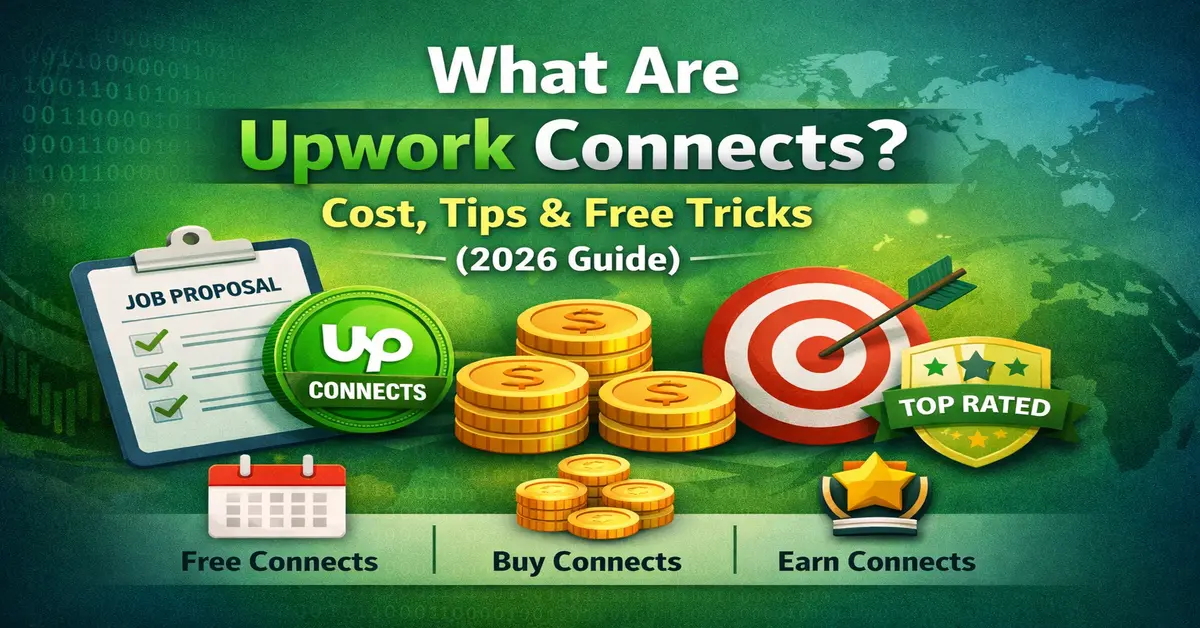
Upwork provides Connects in three main ways:
- Monthly free Connects
- Buy Connects
- Earn Connects
To learn more in detail, check this guide: How to get Connects on Upwork
1. Monthly Free Connects
Upwork offers free Connects every month based on your membership plan:
- Basic Plan: 10 Connects per month
- Plus Plan: 70 Connects per month
These Connects are automatically added and can be used for job applications. However, since they are limited, you should use them wisely.
2. Buy Connects
If you run out of Connects, you can purchase more directly from your account:
- Go to Settings
- Select “Memberships & Connects”
- Click “Buy Connects”
Buying Connects is common among active freelancers and should be treated as an investment rather than an expense.
3. Earn Connects
Upwork allows freelancers to earn free Connects through various activities:
- New account setup: Get free Connects after profile completion
- Interview rewards: Earn Connects when clients respond to your proposals
- Skill certifications: Receive bonuses for completing tests
- Badges: Earn Connects through Rising Talent or Top Rated status
Best Tips to Use Upwork Connects
Using Connects wisely can significantly increase your chances of getting hired. Here are the best strategies:
- Apply only to relevant jobs: Avoid wasting Connects on jobs that don’t match your skills
- Write personalized proposals: Generic proposals rarely get responses
- Apply early: Early applicants have a higher chance of being noticed
- Focus on high-quality jobs: Avoid low-budget or suspicious listings
- Limit daily applications: Quality is more important than quantity
Free Tricks to Get More Upwork Connects
Here are some smart tricks to get more Connects without spending money:
- Complete your profile 100%: This often unlocks initial free Connects
- Respond quickly to interviews: Earn bonus Connects from Upwork
- Earn badges: Rising Talent and Top Rated profiles receive rewards
- Join promotions: Upwork sometimes offers bonus Connects
- Avoid unnecessary bidding: Saving Connects is as important as earning them
Common Mistakes to Avoid
- Applying to every job without reading the description
- Using copy-paste proposals
- Wasting Connects on low-paying jobs
- Ignoring client history and reviews
When Should You NOT Use Connects?
- When the job description is unclear or suspicious
- When the client has no payment verification
- When the budget is too low for your effort
- When the job is not relevant to your skills
Conclusion
Upwork Connects are a crucial part of freelancing success on the platform. By understanding their cost, using smart strategies, and applying free tricks, you can maximize your chances of getting hired while minimizing expenses.
The key is simple: use Connects wisely, focus on quality jobs, and treat freelancing like a business investment.
Frequently Asked Questions (FAQs)
What are Upwork Connects?
Upwork Connects are virtual tokens freelancers use to submit proposals for jobs on Upwork.
How much do Upwork Connects cost in 2026?
Upwork Connects cost around $0.15 each.
How many Connects are required per proposal?
Most jobs require between 2 and 16 Connects.
Can I get free Upwork Connects?
Yes, you can earn free Connects through profile activity and interviews.
Do Connects expire?
Yes, Connects expire after one year if not used.
Are Connects worth buying?
Yes, if used strategically, they can help you win more jobs.
Stay updated with our latest news, special offers, and exclusive updates directly in your inbox.